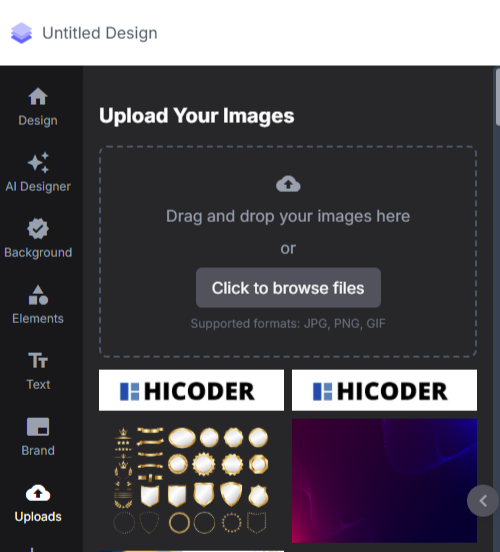
Go to Certificate > Design
Access from left menu.
Create / Edit a Design
- Click “+ Create Design” or
- Choose an existing design to edit.
Add Image (from Files)
- In the design editor, click on Image
- Choose “My Files”
- Select an uploaded image (like a logo, stamp, or signature)
Adjust Placement
- Drag, resize, or reposition the image on the template.
Save Design
- Click Save once done.
Use the Design
- Assign this design while creating or sending certificates.